Application Screenshots
Explore the intuitive design, covert calculator camouflage, and powerful security controls designed for effortless daily protection.
Google Drive Cloud Backup & One-Tap Restore
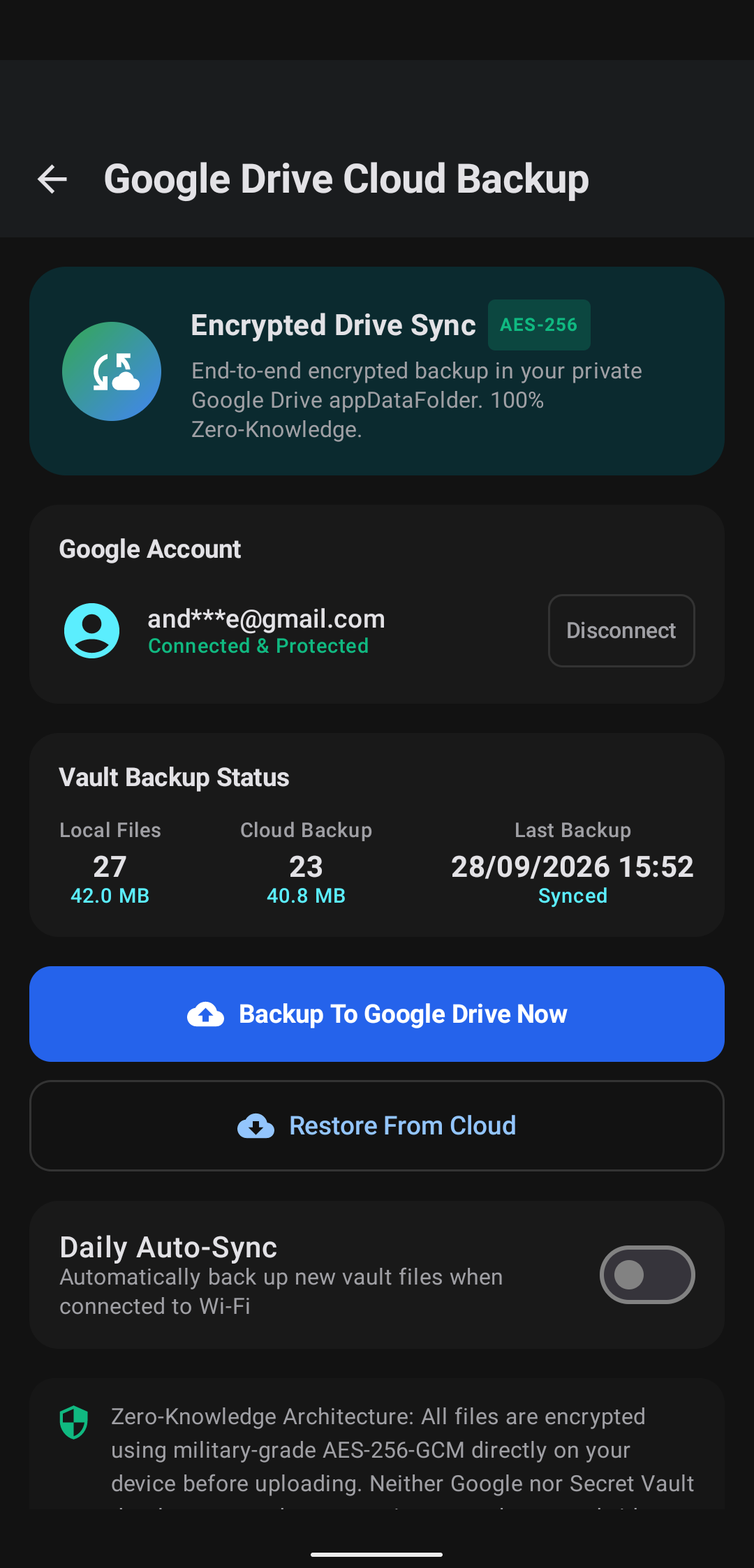
Never worry about losing cherished memories or confidential files when switching to a new smartphone, upgrading Android OS, or in case of unexpected phone damage.
- Direct Google Drive Integration: Seamlessly uploads encrypted archives directly into your authorized Google account.
- End-to-End Client Encryption: Backups are encrypted with military-grade AES-256 on your phone before uploading — neither Google nor third parties can read your vault data.
- One-Tap Instant Restore: Effortlessly restore all albums, videos, and notes on any new device simply by signing into your Google account and entering your master PIN.
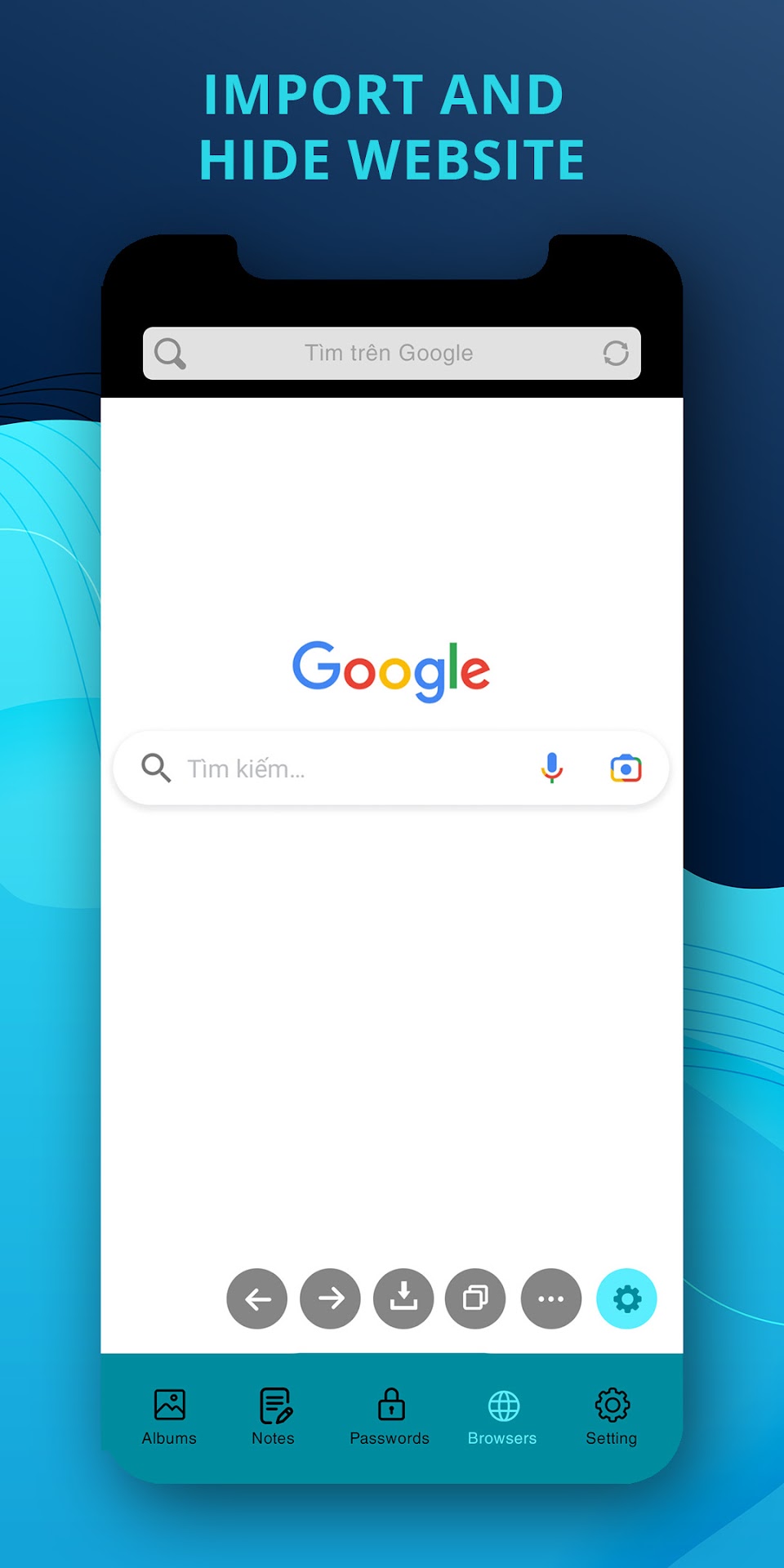
Private Browser with Smart Media Downloader
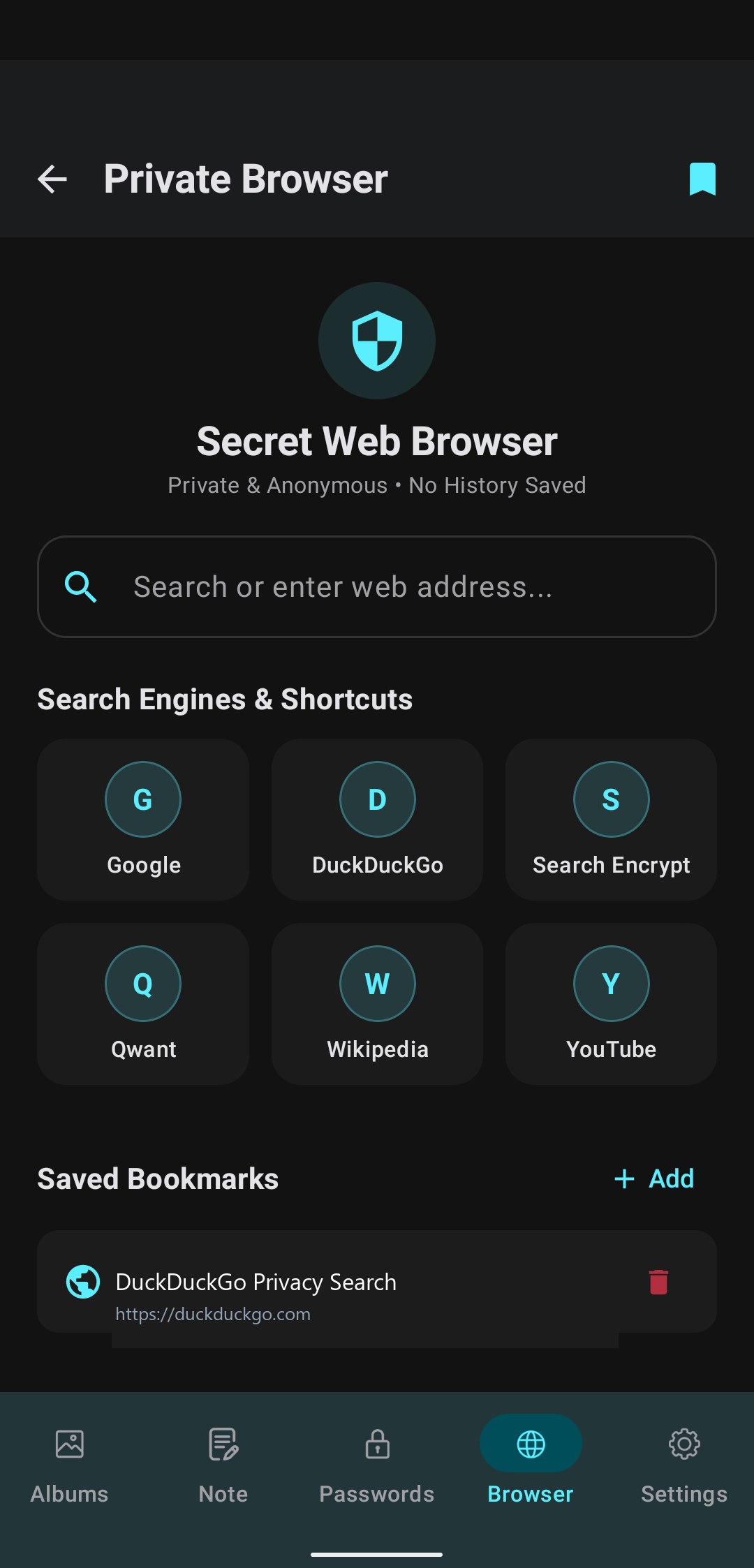
Surf the web with genuine peace of mind. The built-in incognito web browser keeps your activities completely untraceable to advertisers, network snoopers, and local apps.
- Zero Residual Footprint: Zero browsing history, cookies, search queries, or temporary cache are retained upon closing tabs.
- Privacy Search Engines: Integrated quick shortcuts to DuckDuckGo, Google, Search Encrypt, Qwant, Wikipedia, and YouTube.
- Direct Vault Download: Detect media clips and images on any web page to save them directly into your encrypted vault without ever passing through Android's public photo gallery.
Intruder Selfie & Break-in Warning Alerts
Catch snoopers red-handed! Calculator Lock silently takes action the exact second an unauthorized person tries to enter your secret vault.
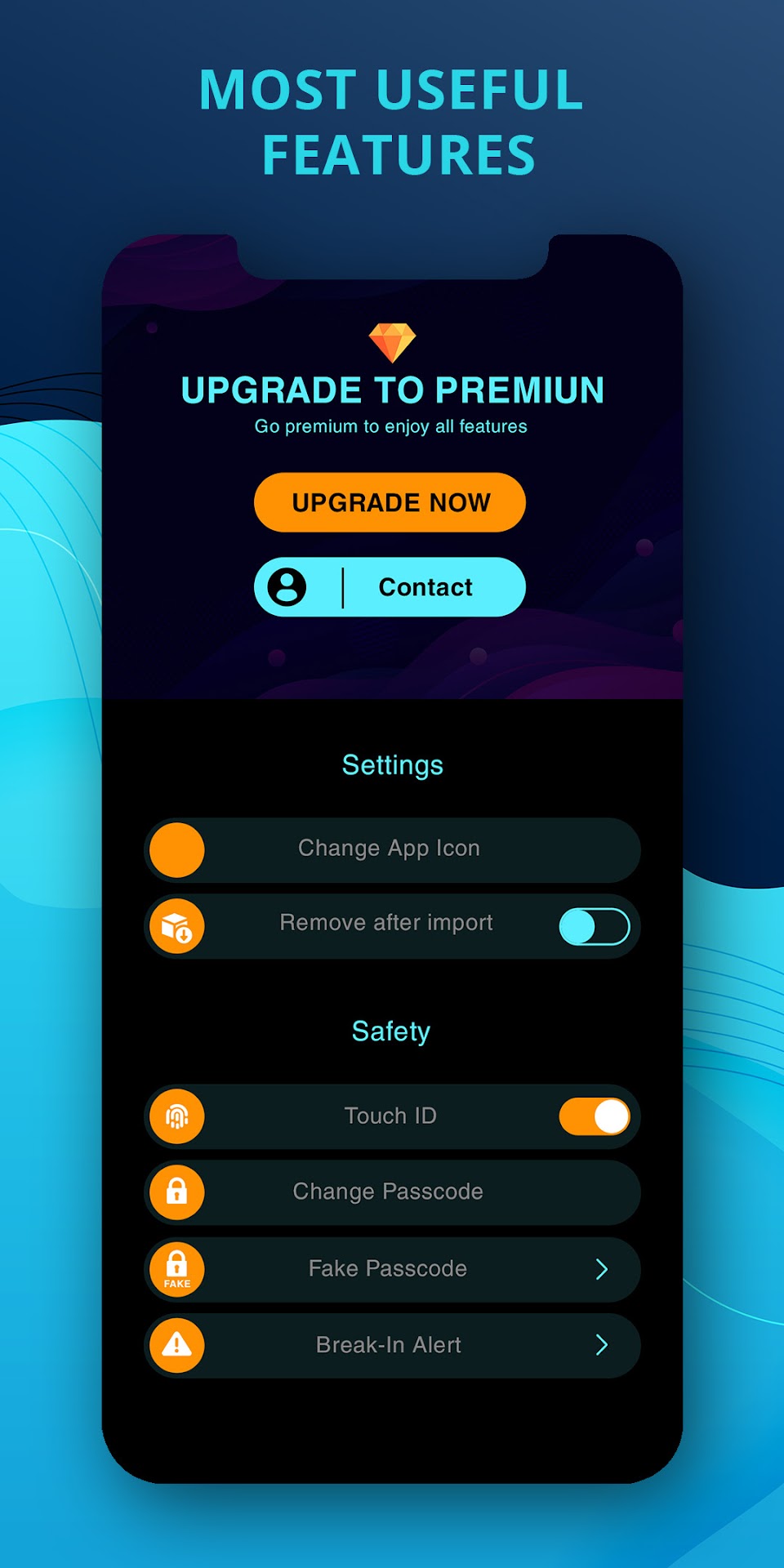
- Covert Front-Camera Capture: Silently snaps a photo whenever an incorrect passcode is typed.
- Comprehensive Intrusion Log: Records exact date, timestamp, and wrong PIN attempted.
- Instant Email Dispatch: Optionally dispatches intruder snapshot alerts directly to your personal recovery inbox.
Engineered For Ultimate Secrecy
Every aspect of Calculator Lock is designed to maintain absolute privacy and peace of mind.
Calculated Disguise
Standard calculator icon and fully functional mathematical calculation screen. Enter your secret PIN and press '=' to reveal your private files.
AES-256 Bit Encryption
Your media files are scrambled using industry-standard military encryption, making them completely unreadable to third-party file managers or PC transfers.
Decoy Vault & Panic Exit
Create a secondary decoy password that reveals dummy photos under duress. Flip your phone face down to instantly lock and close the vault.
Encrypted Notes & Locker
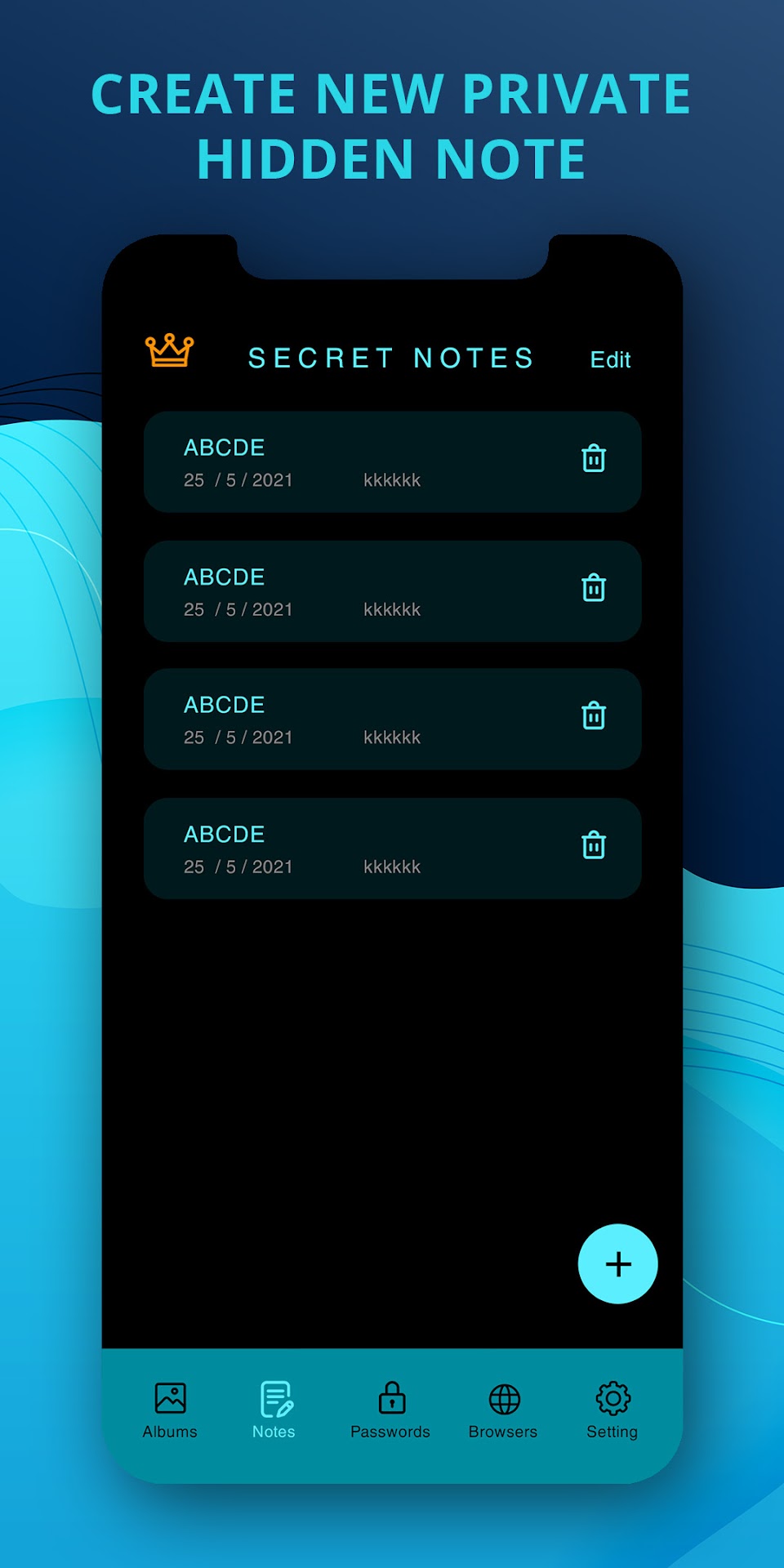
Securely write and store bank accounts, passwords, personal diaries, and confidential PDF documents inside organized encrypted categories.
Custom Vault Folders
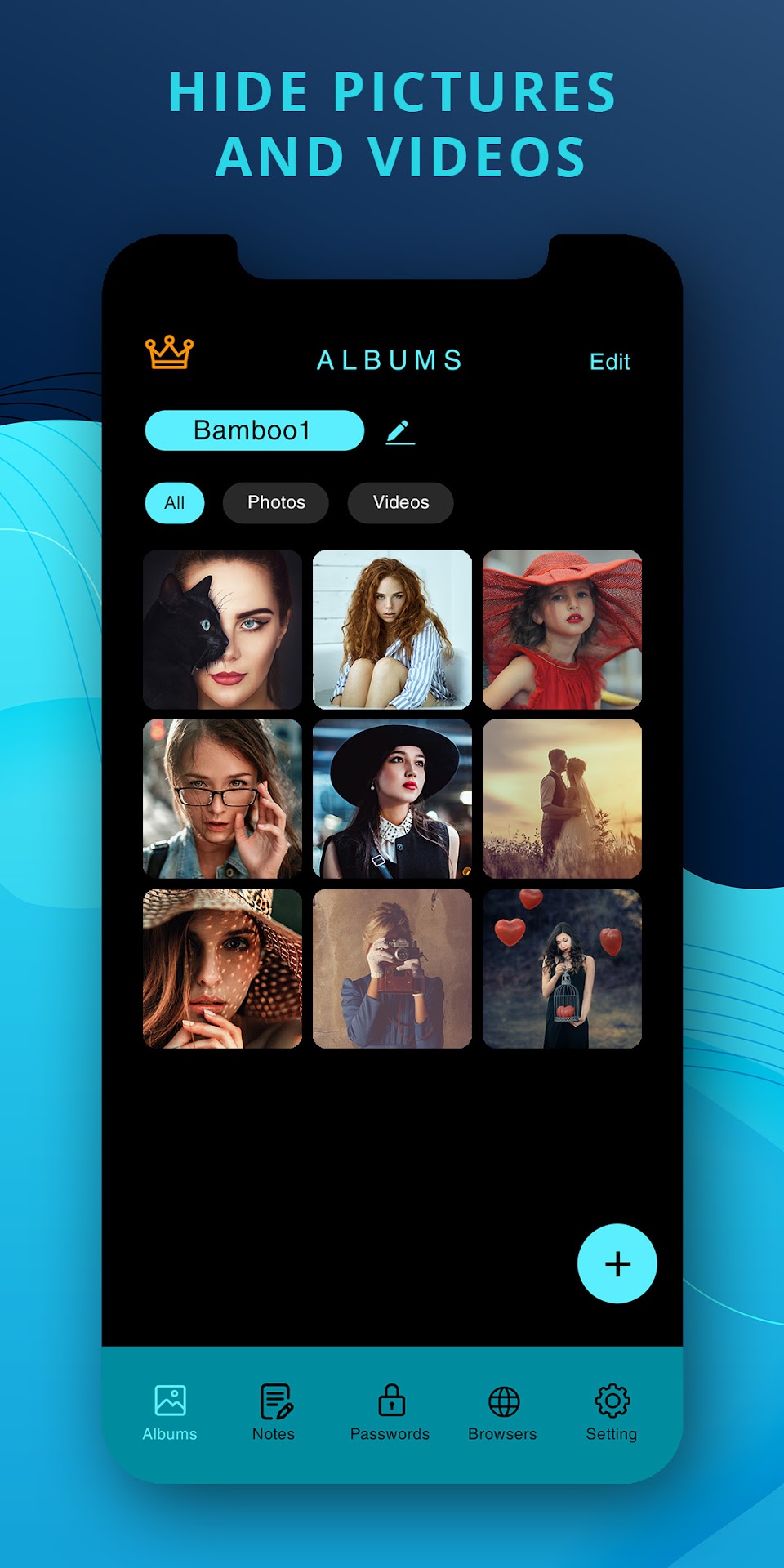
Organize hidden items with tailored folder structures, custom names, and granular viewing options. Move items freely between safe albums.
No System Gallery Traces
Hidden photos and videos are cleanly removed from your Android public gallery, Google Photos feed, and recently accessed files history.
Google Drive Cloud Backup & Sync
Google API Services User Data Policy ComplianceTo safeguard our users against catastrophic data loss caused by broken screens, lost phones, hardware replacements, or operating system resets, Calculator Lock offers an optional, user-initiated Google Drive Cloud Backup & Restore feature.
🔒 Transparency & Limited Use Commitment:
Our app's use and transfer of information received from Google APIs to any other app will adhere to the Google API Services User Data Policy, including the Limited Use requirements:
-
Strictly Scoped Access: Calculator Lock requests solely the
https://www.googleapis.com/auth/drive.filescope. This restricts the app to only viewing, creating, and modifying files that it has directly created itself. - No Broad Drive File Access: The app CANNOT see, access, modify, download, or delete any of your other personal Google Drive documents, spreadsheets, slides, photos, or third-party files.
- Client-Side Encryption: All vault data uploaded as backup packages is strongly encrypted before transmission. Files cannot be inspected or decrypted on Google servers without your private master passcode.
- No External Server Transfers: Your Google Drive tokens and backup data flow strictly between your mobile device and official Google APIs. We do not operate intermediary servers that hold or copy your data.
- Zero Commercial Exploitation: User data accessed via Google APIs is strictly utilized for backup synchronization. We NEVER sell user data, transfer it to data brokers, use it for advertising purposes, or utilize it for artificial intelligence model training.
- Unrestricted User Sovereignty: You can disconnect your Google account and erase all stored backup files at any time through the app settings or via your Google Account Security Settings.
For exhaustive details regarding our data collection and protection practices, please read our full Privacy Policy.
📋 Application & Publisher Information
secretgallery.hidefiles.gallerylock